Blog
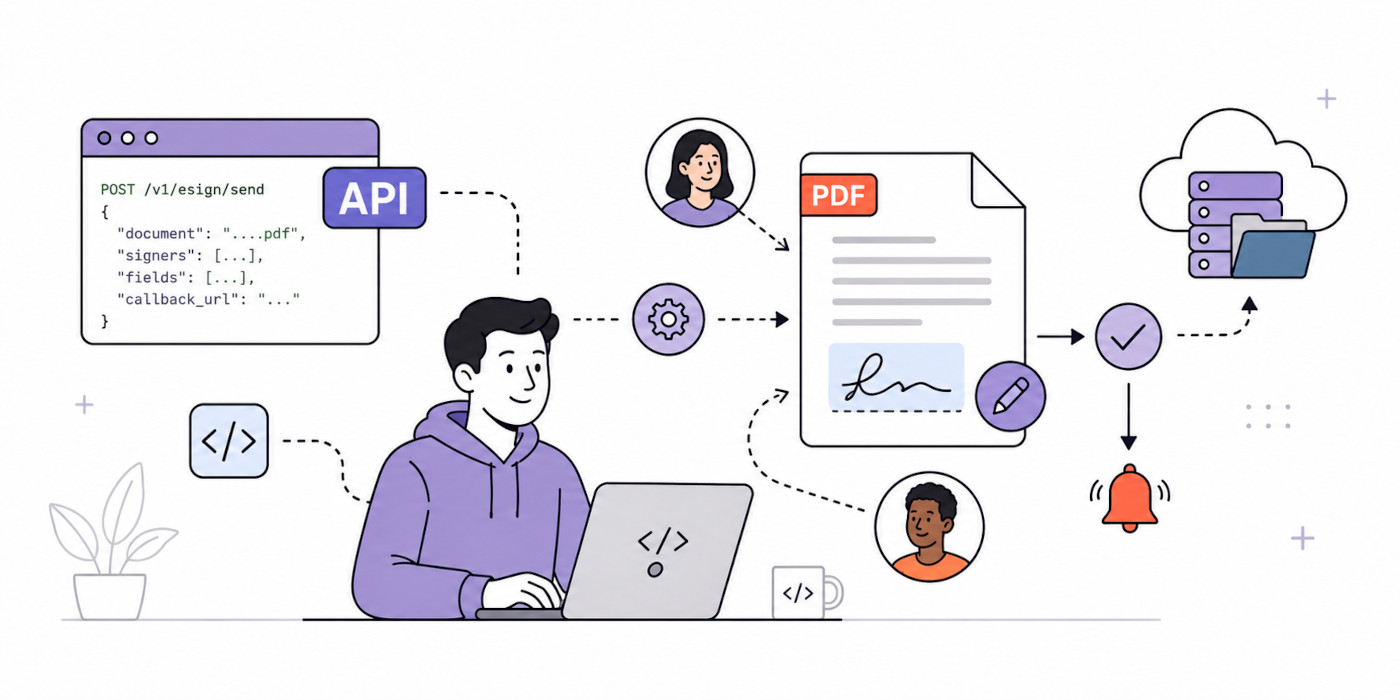
10 Best eSignature API Features for Developers in 2026
The 10 eSignature API features developers should compare, from single-call generation to recipient roles, signing order, field validation, and legal standards.
This website uses cookies to improve your experience while you navigate through the website. Out of these, the cookies that are categorized as necessary are stored on your browser as they are essential for the working of basic functionalities of the website. We also use third-party cookies that help us analyze and understand how you use this website. These cookies will be stored in your browser only with your consent. You also have the option to opt-out of these cookies. But opting out of some of these cookies may affect your browsing experience.
Necessary cookies are absolutely essential for the website to function properly. These cookies ensure basic functionalities and security features of the website, anonymously.
Functional cookies help to perform certain functionalities like sharing the content of the website on social media platforms, collect feedbacks, and other third-party features.
Performance cookies are used to understand and analyze the key performance indexes of the website which helps in delivering a better user experience for the visitors.
Analytical cookies are used to understand how visitors interact with the website. These cookies help provide information on metrics the number of visitors, bounce rate, traffic source, etc.
Advertisement cookies are used to provide visitors with relevant ads and marketing campaigns. These cookies track visitors across websites and collect information to provide customized ads.
Other uncategorized cookies are those that are being analyzed and have not been classified into a category as yet.

The house byline for the CraftMyPDF team, based in Singapore: product guides, template editor walkthroughs, integration tutorials for Zapier, Make.com and n8n, and practical tips for PDF and image generation.
The 10 eSignature API features developers should compare, from single-call generation to recipient roles, signing order, field validation, and legal standards.
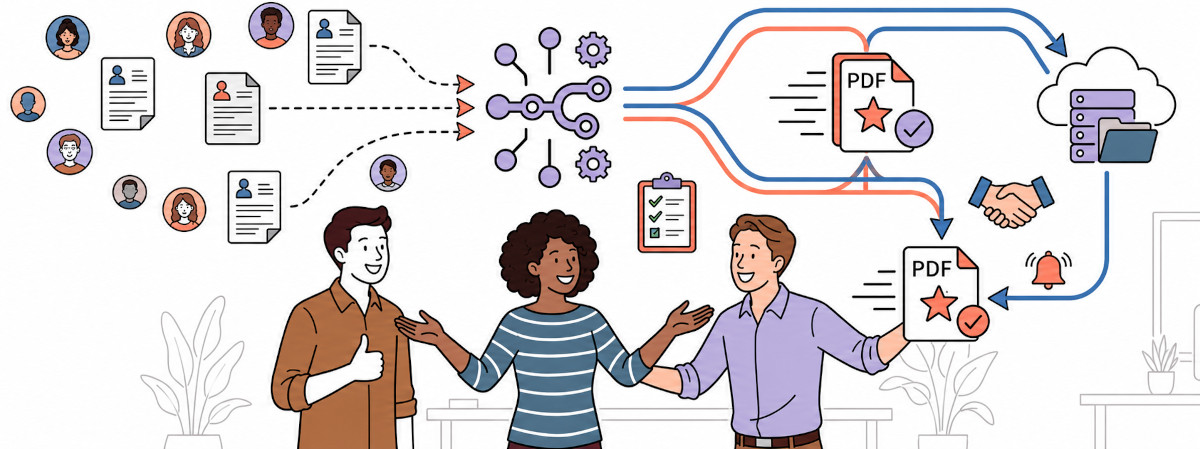
Stop manually formatting job applications. This guide shows HR teams how to automatically turn form submissions into clean, branded PDF applications using n8n and CraftMyPDF - delivered to Google Drive or email in seconds.

In this post, we’ll go over 8 practical tips to help you optimize your PDF creation with CraftMyPDF. Whether you're just starting or already familiar with the tool, these tips will make your PDF generation easier and more efficient.
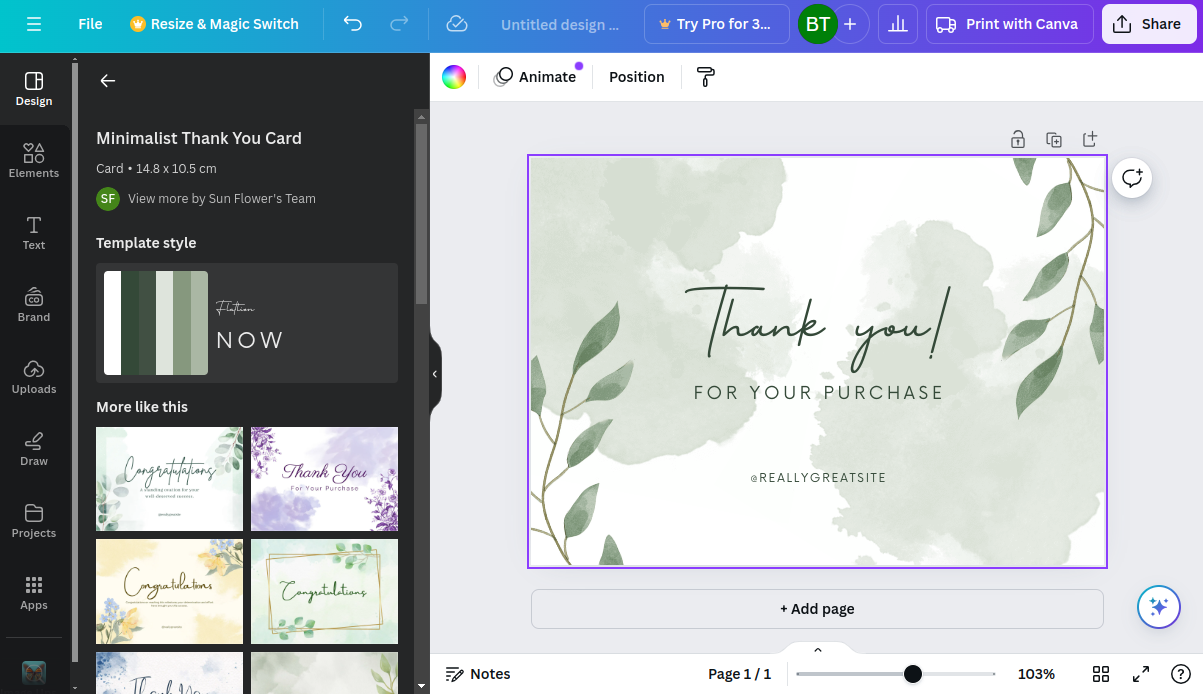
Discover how CraftMyPDF serves as an alternative to Canva's API for automating PDF and image generation.

In this basic tutorial, we will cover the steps to find a template on Canva. We will use the certificate of completion designs available on Canva, then import these designs into CraftMyPDF to automate the PDF creation.

There are various libraries available to generate PDF documents with PHP such as FPDF, TCPDF, or DOMPDF. These libraries provide a wide range of features for creating PDF documents, such as setting page size, margins, fonts, and images. In this article, I would briefly discuss some of these libraries along with some code snippets and show you how to generate a PDF document using PHP and CraftMyPDF.

In this tutorial, we are going to explore the ways to handle complex data(line items, or arrays) by using JSON for Make.com and Zapier.

This article explore some of the many features of document automation and the processes that you can automate with CraftMyPDF
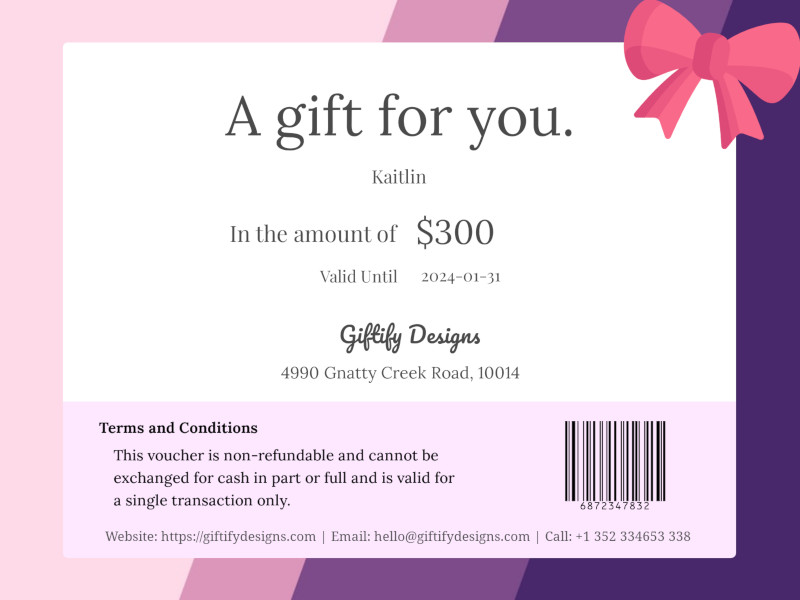
In this tutorial, we will show you how to use Make.com to automate the creation of gift voucher images from Airtable and send the gift cards automatically to customers.

The tutorial will guide you to through the process of setting up an automated workflow to generate PDF event passes with Airtable, script app and CraftMyPDF for the trade show attendees.