
Free PDF Tool
Merge Multiple PDF Documents
Easily merge multiple PDF documents into a single file by simply dragging and dropping them.
Drag & drop your PDFs here
Everything runs in your browser — the file is never uploaded.
Add two or more PDFs. They are merged in the order shown — drag a card, or use its arrows, to change it.
How to merge PDF files
-
Add your PDFs
Drag two or more PDFs onto the drop zone, or click Choose PDFs to pick them. Each file becomes a card showing its first page, its page count and its size.
-
Put them in order
Pages are combined in the order the cards are shown. Drag a card to move it, or use its arrows — the number in the corner is that file’s position in the finished document.
-
Merge and download
Click Confirm to merge. The combined file is built in your browser and saved as
merge.pdf.
Merge PDF FAQs
Are my files uploaded anywhere?
No. Your PDFs are read with your browser’s own file API and merged on your machine — nothing is sent to CraftMyPDF or to any other server, so confidential documents stay on your computer.
How many PDFs can I merge at once?
There is no fixed limit — you can keep adding files, and there is no cap on the total page count. The practical ceiling is your device’s memory, since every file is held in the tab while you work.
Does merging change the pages themselves?
No. Pages are copied across at their original size and orientation, so a mix of A4 and Letter, or portrait and landscape, comes through unchanged. Rotation set on a page is carried over too — if you want to change it, use the Rotate PDF tool.
What happens to forms, links and bookmarks?
Page content, links and annotations are copied with each page. Document-level structures — the form dictionary, bookmarks and attachments — belong to the original file rather than to any one page, so they are not carried into the merged document.
Can I merge password-protected PDFs?
A file that only carries owner restrictions will usually open. A PDF that needs a password to be read at all cannot be opened here — remove the password in your PDF reader first, then merge.
Can I automate this instead of doing it by hand?
Yes. The PDF Generation API builds documents from a reusable template and your data, so recurring merges — invoices, reports, statements — can run without anyone opening a browser.
Other tools
More free tools from CraftMyPDF.
-
Free Online Certificate Maker
Our tool lets you quickly pick a template, edit the details, and prepare a printable certificate in no time. Making a certificate is quick and easy in only three steps -

Free Online Event Badge Maker
Whether you’re hosting a small seminar or a large conference, our tool is designed to make badge creation effortless and efficient. -
Free Event Ticket Generator
Whether you’re organizing a music festival or business conference, our user-friendly platform provides a variety of professionally designed templates that can be tailored to your unique brand and style. -
Free Online Invoice Generator
To create professional invoices online for free with CraftMyPDF, simply upload your logo, and fill in your company information, bill-to information, and line items. -
Free Online Receipt Maker
Stand out with receipts that carry your unique branding. Upload your logo, define your business address and terms, fill in customer details and items, and customize notes and tax rates. -
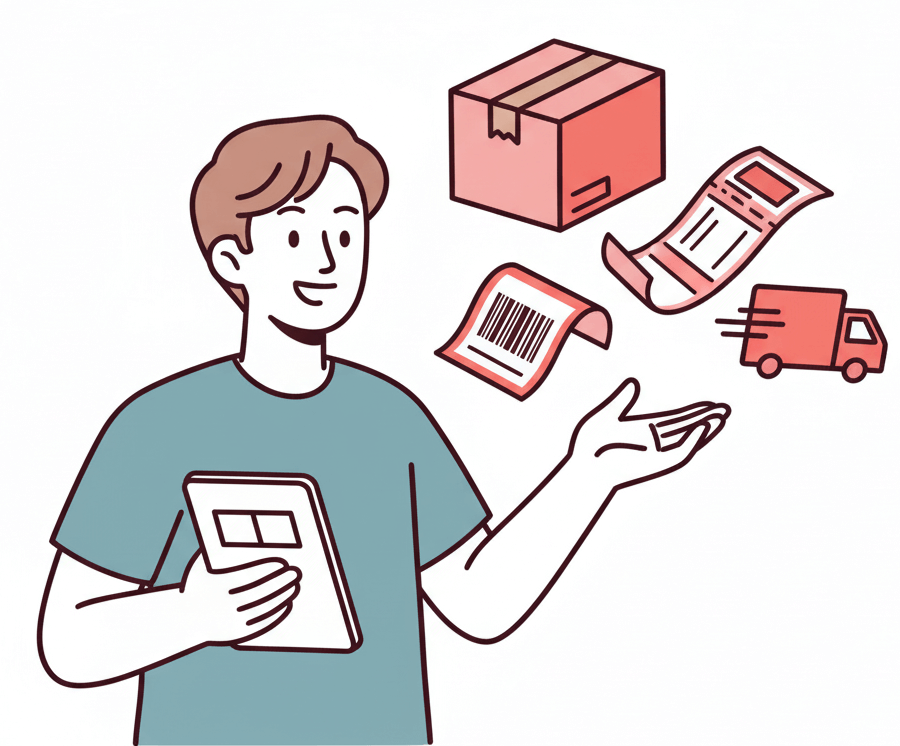
Free Online Shipping Label Maker
Easily generate professional-looking shipping labels with our intuitive interface, customizable templates, and instant download. -
Free Online Address Label Maker
Create custom address labels effortlessly with our Free Online Address Label Maker! Ideal for personal use, business correspondence, or bulk mailing. -
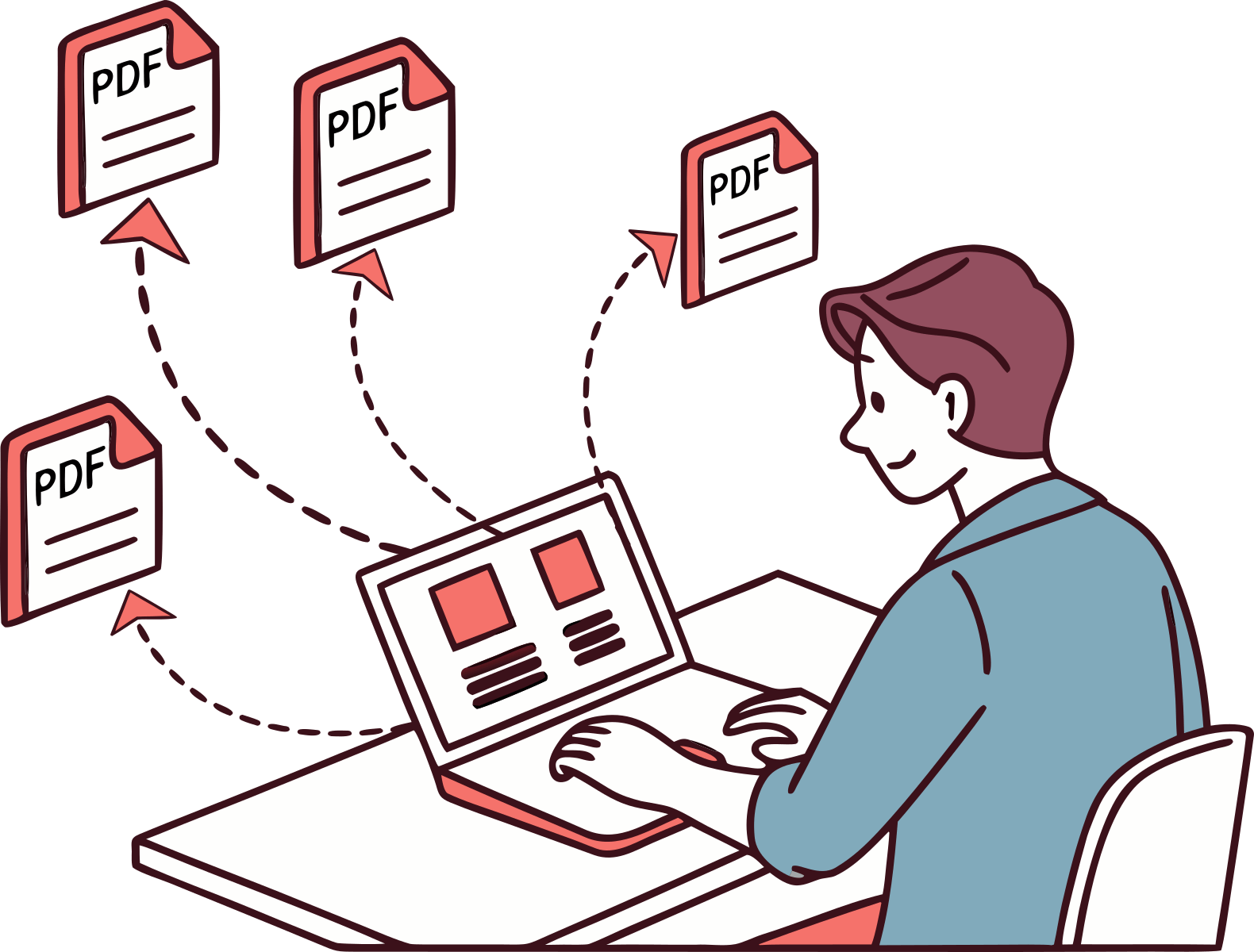
Bulk PDF Generator
Turn your spreadsheets into professional PDFs in bulk. Create a template with CraftMyPDF, upload a CSV file and generate hundreds of personalized documents in minutes.
Start generating PDFs in minutes
Design templates in your browser and generate pixel-perfect PDFs through a simple REST API or your favourite no-code platform.
*No Credit-card Required!