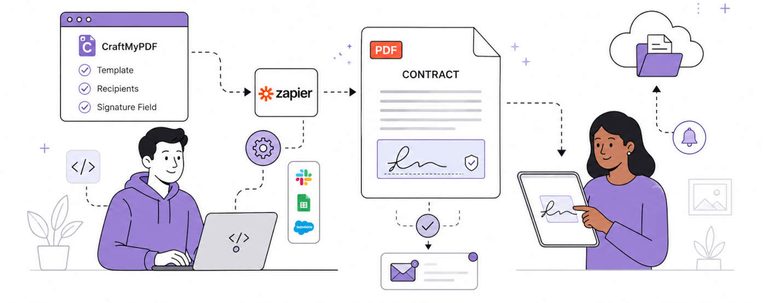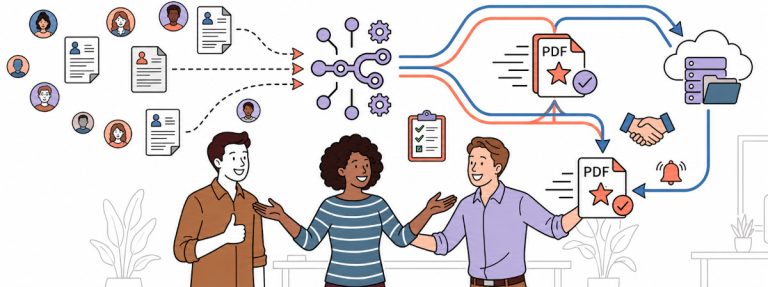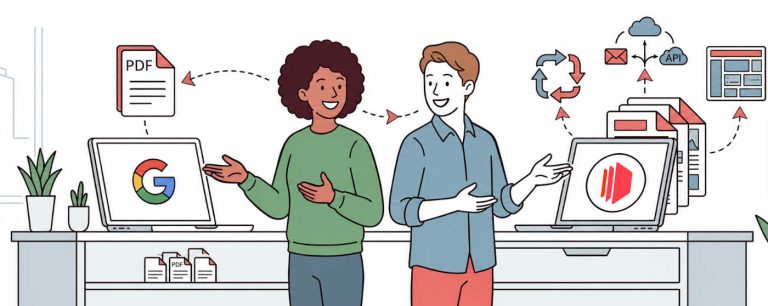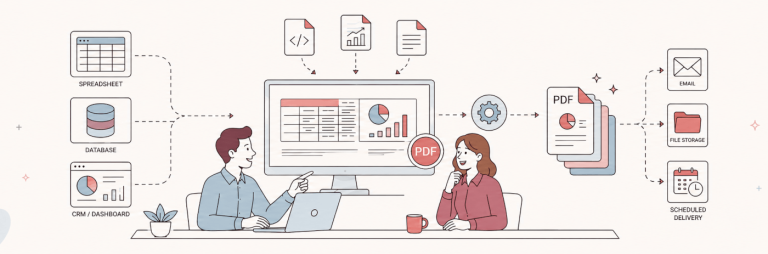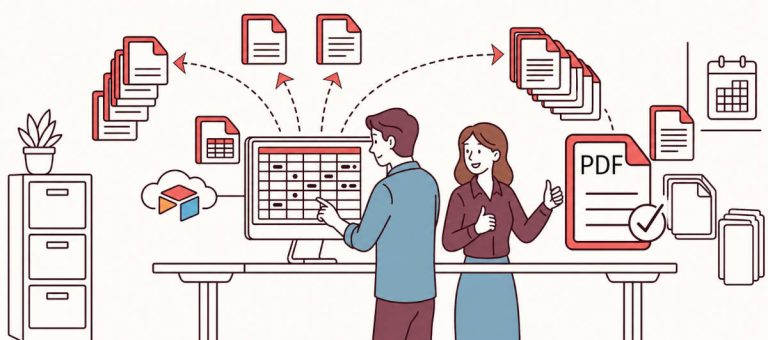

Zapier makes it easy to connect your apps, but creating professional PDF documents from form submissions, CRM records, spreadsheets, or orders usually needs a dedicated PDF generation tool.
In this guide, I’ll show you how to use CraftMyPDF with Zapier to automatically generate PDF documents from dynamic data. You can use this workflow for invoices, certificates, contracts, reports, receipts, quotes, and other business document
Prerequisites
Before you start, you will need:
- A CraftMyPDF account
- A PDF template created in CraftMyPDF
- A Zapier account
- A trigger app, such as Typeform, Google Sheets, Airtable, HubSpot, Stripe, Jotform, or another app
If you have not created a PDF template yet, create one in CraftMyPDF first. The template defines the layout of your PDF and the dynamic fields that will be replaced with data from Zapier.
You can learn more about the drag-and-drop PDF template editor and how it helps you create reusable templates for automated PDF generation.
Step 1. Login and create a new Zap
(i) Log in to your Zapier account or create a new account.
(ii) Navigate to Zaps on the side menu to create a new Zap
(iii) Setup a trigger for the Zap based on your requirements
Step 2. Setup app & event
(iv) Create an action and search for CraftMyPDF in the App Event. In the Action Event, select Create PDF. Click here to learn about how to obtain the API Key.

(v) In Choose app & event, use your credentials to connect your CraftMyPDF account to Zapier.

Step 3. Setup action
(vi) In the Set up action, select your template in the list. Then, select Payload Type. You can either use Dictionary (Key-value pairs) or JSON.
Types of payload data
There are 2 types of payload, you can either use a Dictionary(flat-structured JSON, key-value pairs) or JSON data.
(a) Dictionary payload data
A Dictionary is a set of simple key-value pairs for flat-structured JSON. The followings are the steps to map JSON data to an expression and the payload on Zapier.

(b) JSON payload data
JSON payload is for complex hierarchical data. (Click here for detailed tutorial)

Step 4. Run test action
(vii) Run the Test action to generate a PDF, and you may use the file for subsequent steps

Zapier will send the sample data to CraftMyPDF and generate a PDF document.
Open the generated PDF and check:
- Are the fields showing correctly?
- Are the values in the right places?
- Are tables or line items displaying properly?
- Is the formatting correct?
- Are images, QR codes, or barcodes working as expected?
If something does not look right, go back to your template or payload mapping and adjust the fields.
Step 5: Use the generated PDF in the next Zapier step
Once the PDF is generated, you can use it in the next step of your Zap.
For example, you can:
- Email the PDF to a customer
- Upload the PDF to Google Drive
- Attach the PDF to an Airtable record
- Save the PDF to Dropbox
- Send the PDF through Gmail
- Attach the PDF to a CRM record
- Send the PDF to Slack
- Store the PDF URL in a spreadsheet
This makes CraftMyPDF useful as part of a larger document automation workflow.
Why use CraftMyPDF for PDF generation in Zapier?
CraftMyPDF is designed for generating documents from reusable templates.
Instead of building a new PDF manually every time, you can create a template once and reuse it across your Zapier workflows.
CraftMyPDF is useful when you need:
- A visual drag-and-drop PDF template editor
- Dynamic fields from Zapier data
- Tables and repeating sections
- QR codes and barcodes
- Images and branding
- Reusable templates
- PDF generation from no-code and low-code workflows
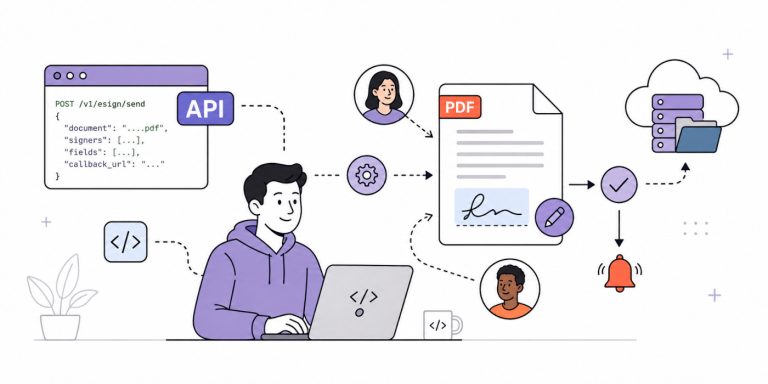
- API access when you need more advanced automation
This makes it suitable for both no-code users and developers.
No-code users can design templates and connect them with Zapier. Developers can use the PDF Generation API directly when they need more control.
Conclusion
Zapier helps you move data between apps, and CraftMyPDF turns that data into professional PDF documents.
With this workflow, you can automatically generate invoices, certificates, reports, contracts, quotes, receipts, and more from your existing apps.
Create a free CraftMyPDF account, build your PDF template, and connect it to Zapier to start automating PDF generation.